Robusta RPA User Interface Language Selection
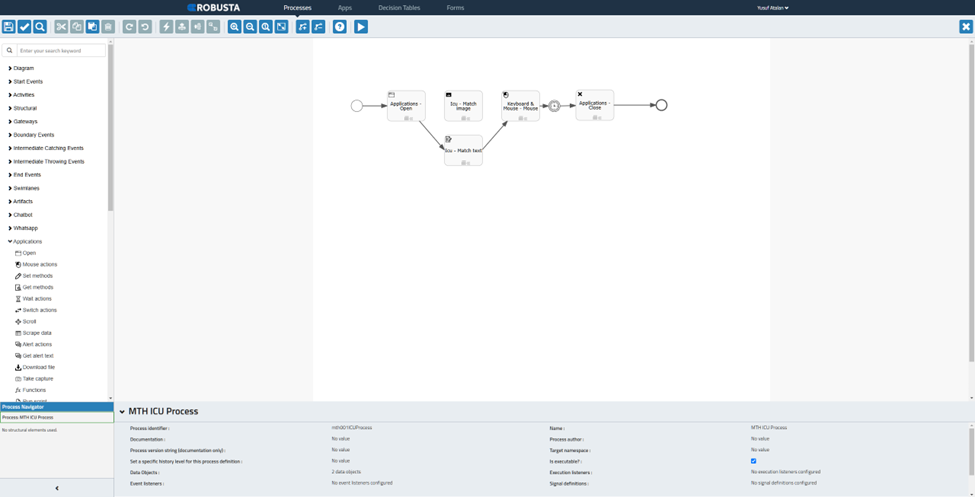
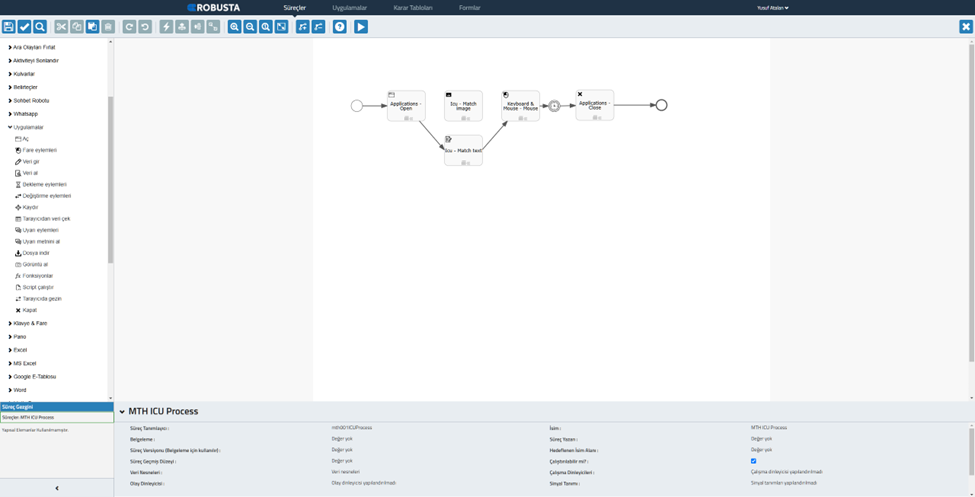
Robusta RPA user interface works in English and Turkish. The choice of user interface language varies according to the language selection of the browser used to log in to Robusta Orchestrator. If the browser interface language is Turkish, the Robusta RPA user interface is in Turkish. If the browser interface language is a language other than Turkish, the Robusta RPA user interface is opened in English.
Language Selection in Chrome Browser
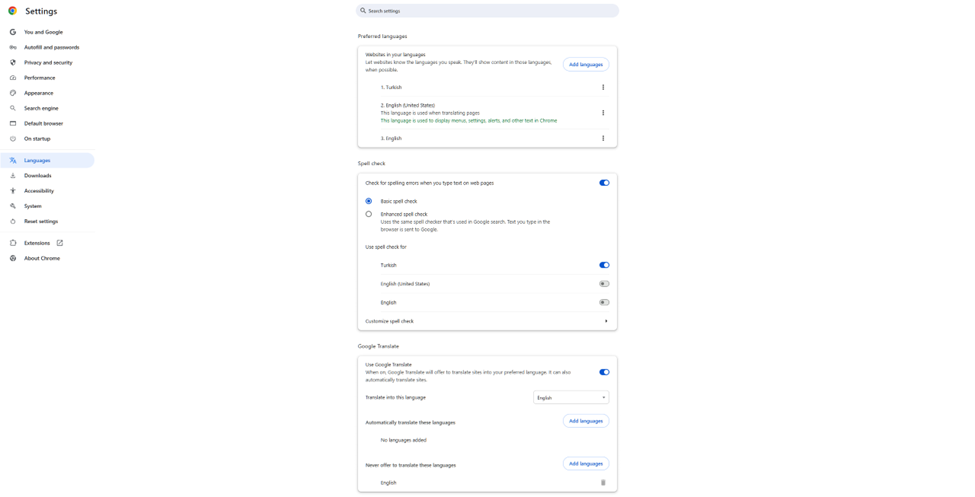
- To select a language in Chrome, select the
Languagesmenu in the browser settings. - In the preferred languages section, if the desired language is not in the list, add it using the
Add languagebutton. - After clicking the drop-down menu next to the language you want to make the browser language, activate the
View Chrome in this languageoption. - After restarting your browser, the language selection will be displayed in both your browser and Robusta RPA.
English Chrome
English Robusta RPA User Interface
Turkish Chrome
Turkish Robusta RPA User Interface
Browser Interface Language Selection Help Documentation
- Opera https://help.opera.com/en/latest/customization/#changeLanguage
- Chrome https://support.google.com/chrome/answer/173424?hl=en&co=GENIE.Platform%3DDesktop&oco=0
- Edge https://support.microsoft.com/en-us/microsoft-edge/use-microsoft-edge-in-another-language-4da8b5e0-11ce-7ea4-81d7-4e332eec551f#:~:text=Go%20to%20Settings%20and%20more,Microsoft%20Edge%20in%20this%20language
- Firefox https://support.mozilla.org/en-US/kb/use-firefox-another-language