Groups
The Groups interface allows you to create and manage user groups, facilitating organization based on departments or company structure. Group IDs are utilized for authorization restrictions within the group access component of applications created in Modeler.
Managing Groups
Create a New Group
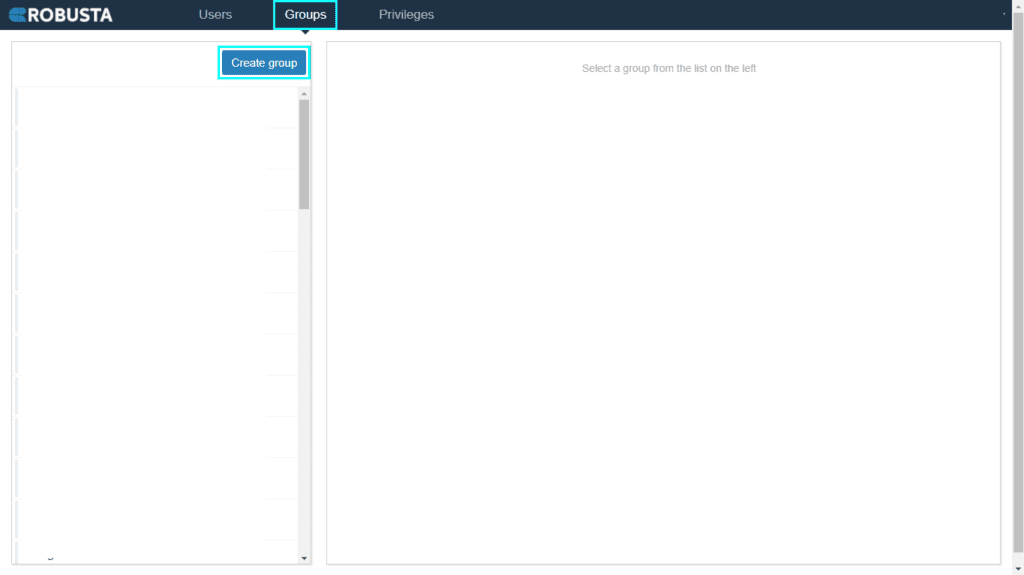

- Click the Create group button.
-
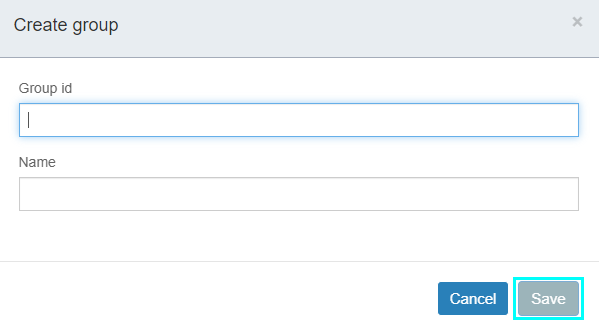
Fill in the required fields:
Element Description Group ID A unique identifier for the group. Name The display name of the group. 3. Click the Save button.
Add Users to a Group
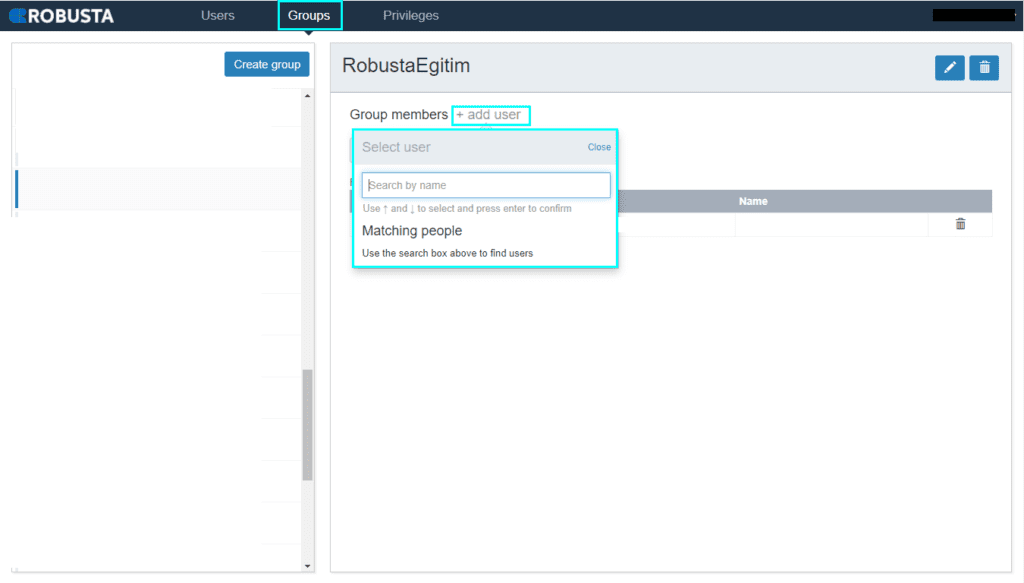
- Select the desired group from the list.
- Click the Add User field.
Edit a Group
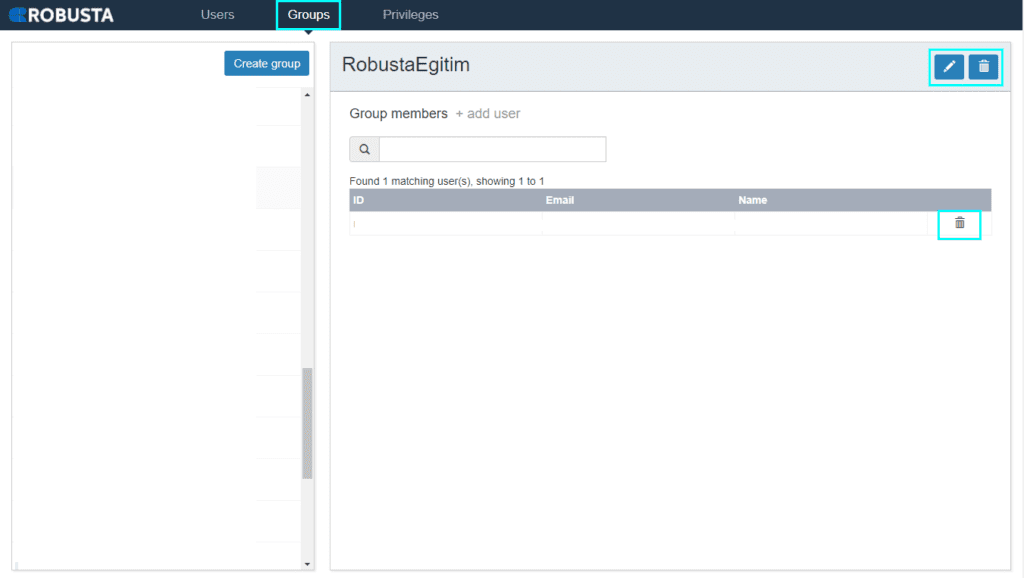
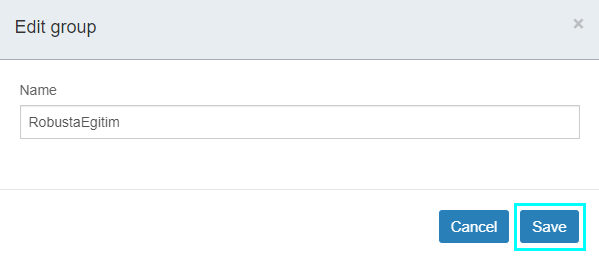
- Click the pen icon next to the group you wish to edit.
- In the window that opens, modify the group's name.
- Click the Save button.
Delete a Group
- Click the trashcan icon next to the group you wish to delete.
Delete a Group Member
- From the group's member list, click the trashcan icon next to the member you wish to remove.