Create and Import Tables
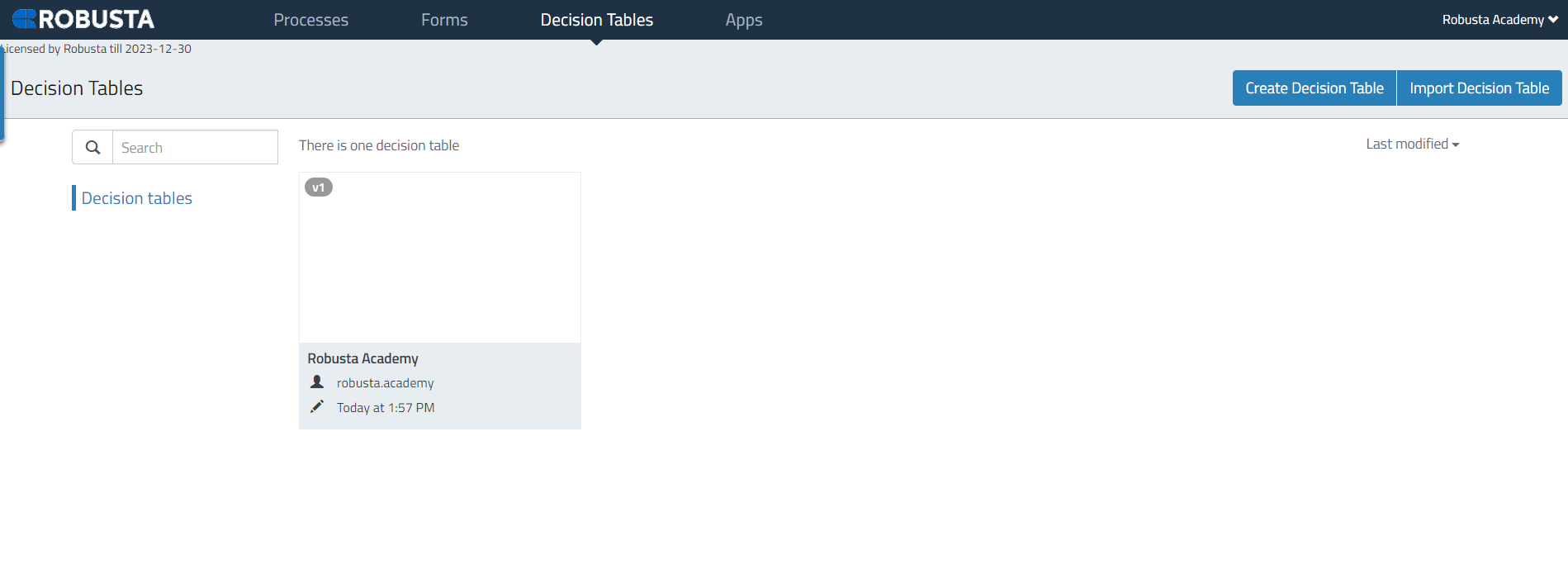
This section details the process of creating new decision tables and importing existing ones into the Robusta Orchestrator. Decision tables are essential for defining conditional logic within your automation workflows. You can either define a new table from scratch or upload a pre-configured .dnm file.
Create a New Decision Table
To create a new decision table:
-
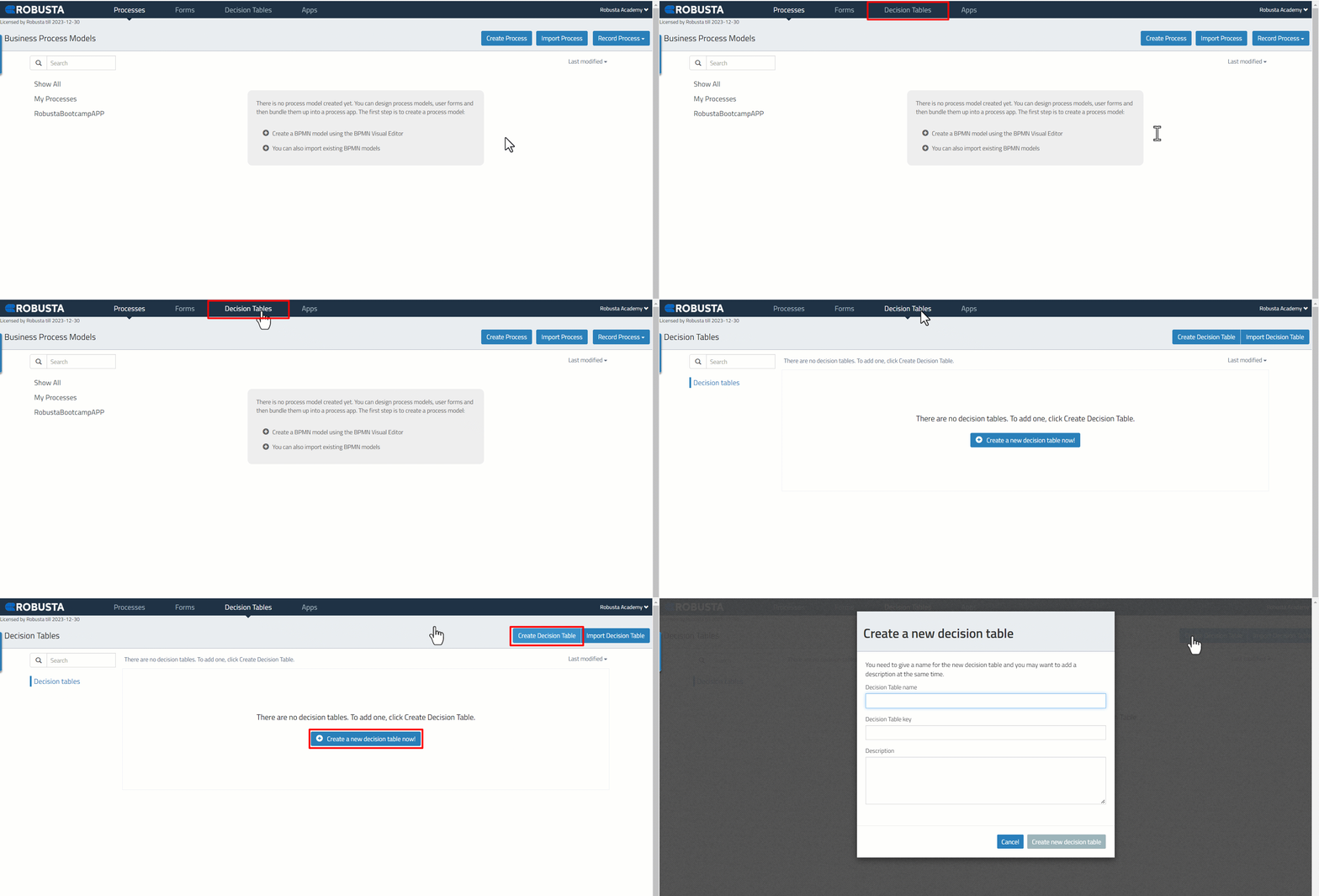
Click on one of the decision table creation buttons available on the Decision Tables tab.
| Element | Description |
|---|---|
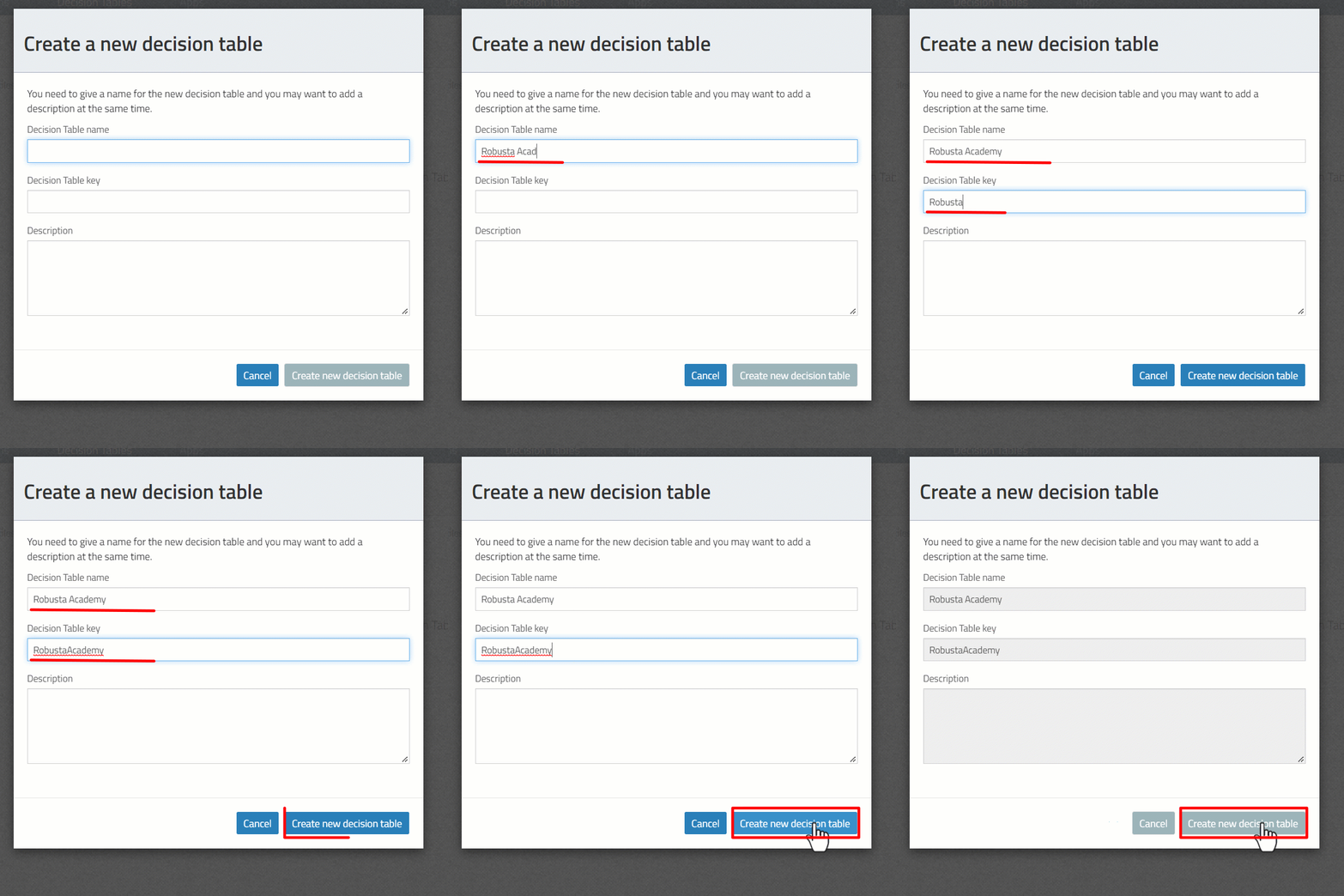
| Decision table name | The visible name of the decision table. Spaces are permitted. (Required) |
| Decision table key | The technical identifier for the decision table. Spaces are not permitted. (Required) |
| Description | A descriptive text for the model, used for documentation purposes. (Optional) |
Fields marked as (Required) must be completed; others are optional.
Import a Decision Table
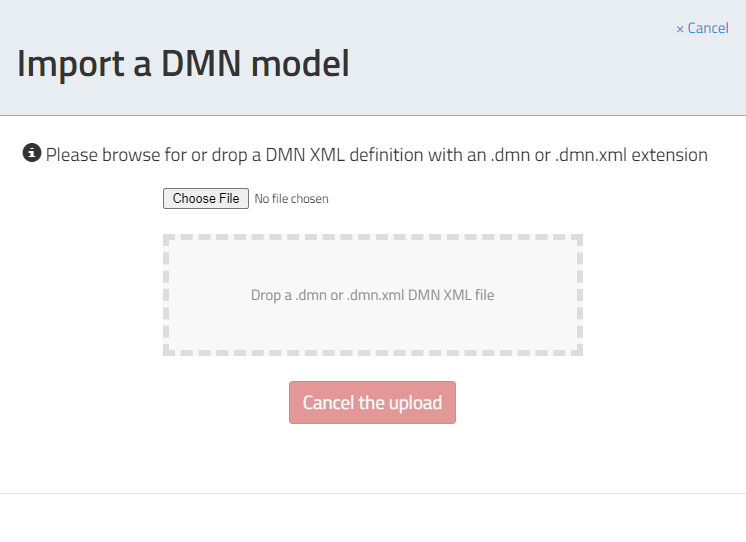
Decision tables previously created and saved in .dnm format can be imported into the Decision Tables interface.
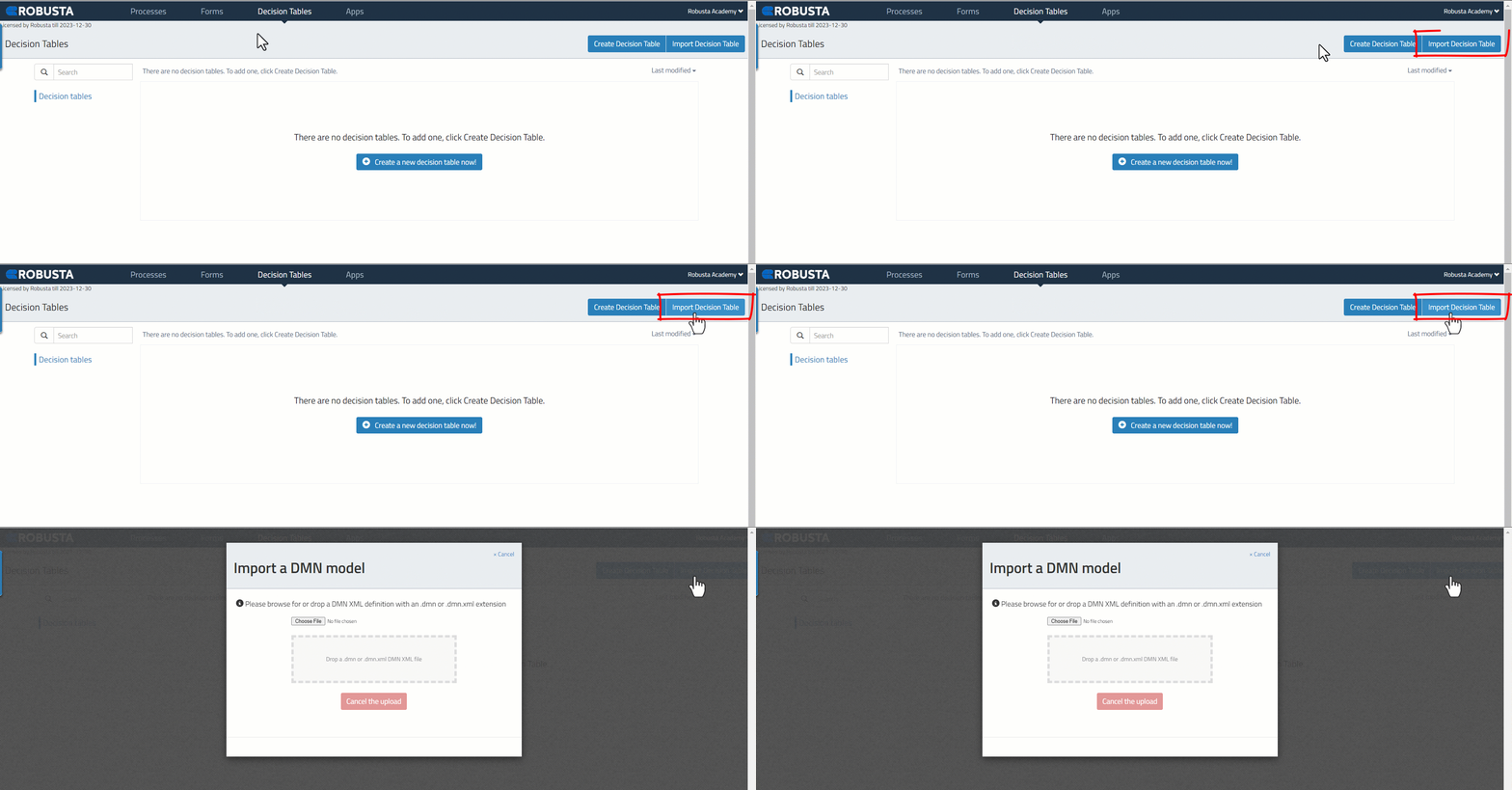
To import a decision table:
-
Click the Choose File button to select the
.dnmfile from its location.