Create Form
The Create Form interface allows users to define new forms within Robusta Orchestrator. This section guides you through the process of initiating a new form and configuring its basic properties, including its name, key, and description.
Creating a New Form
Follow these steps to create a new form:

-
Initiate Form Creation Click on one of the form creation buttons located on the Forms tab.

-
Define Form Properties Fill in the required details for the new form using the provided fields:
Element Description Form name The visible name of the form. Spaces can be used. Form key The technical name of the form. Spaces cannot be used. Must be unique and given with careful consideration of variable naming conventions. Description The description of the form. Used for documentation. Note: Fields marked with an asterisk (*) are required; others are optional.
Once the properties are defined, the new form is created.

Designing the Form Structure
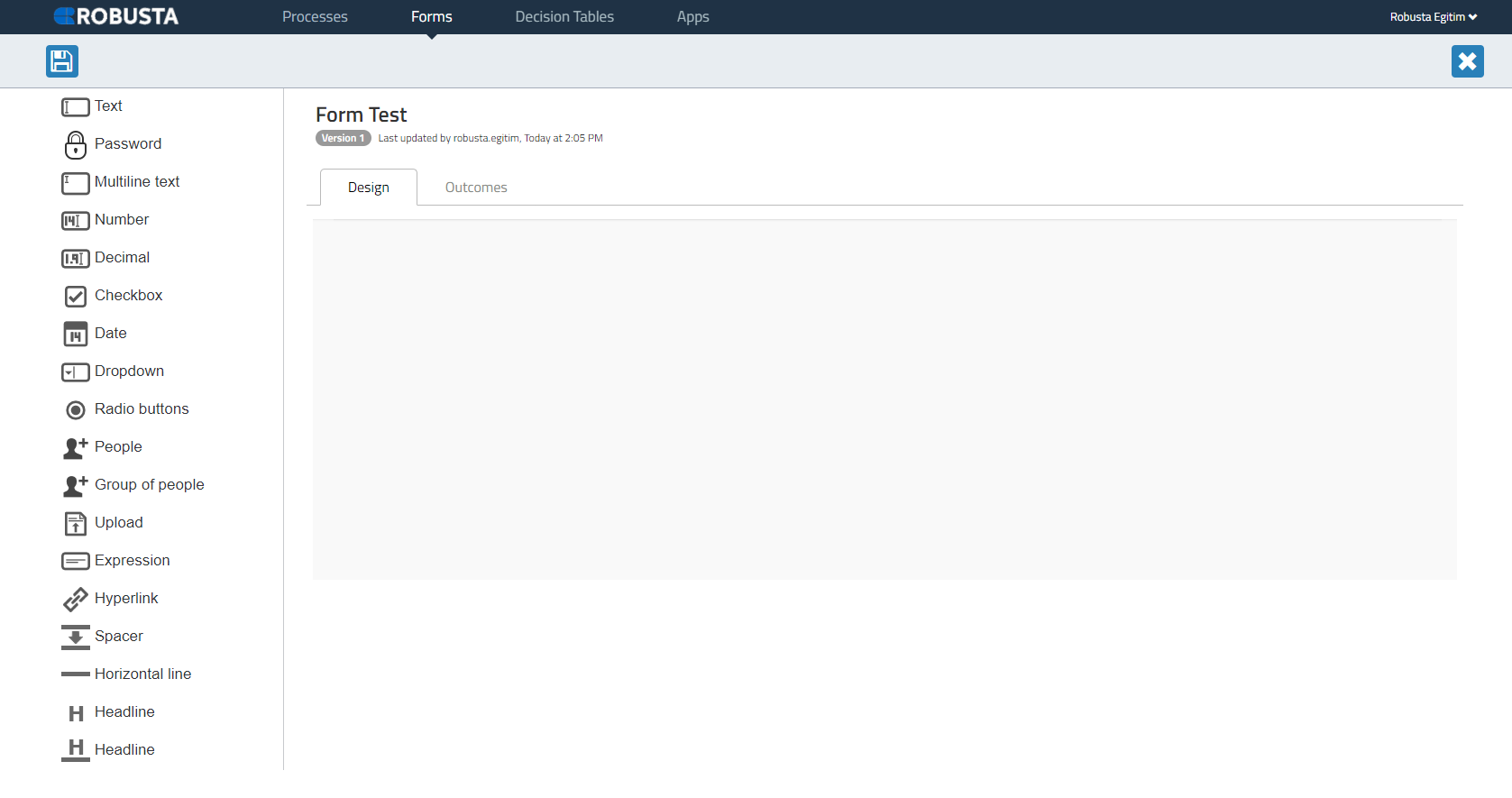
After creation, the form structure is built by dragging and dropping desired Form components to the Design section.