File Events
Overview
The File Events interface allows you to automate processes based on file system operations. It enables the creation of conditions that trigger specific actions when files are added, deleted, or modified within designated folders. For File Events to function, the Orchestrator server must have access to the specified shared or public folders.
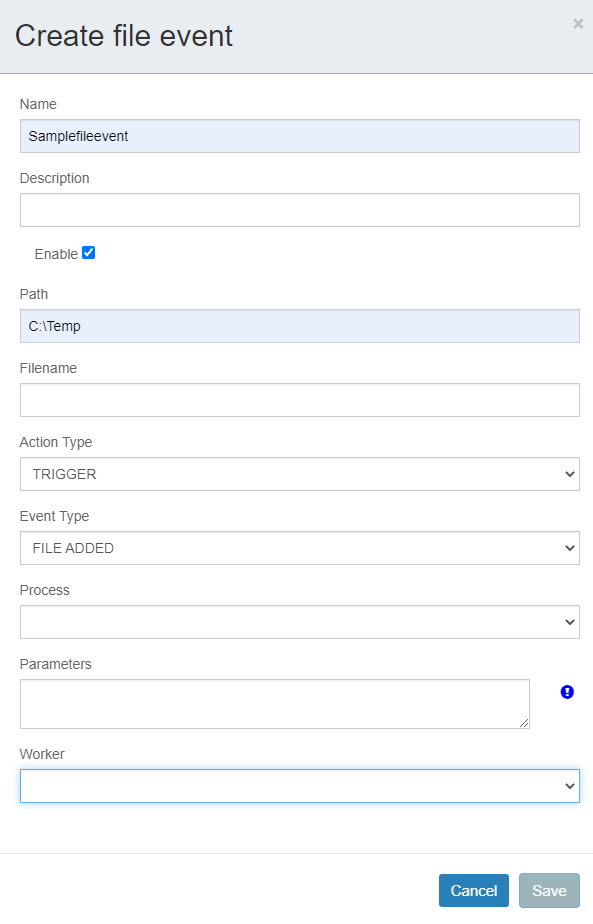
File Events Interface
| Element | Description |
|---|---|
| Create file event | Access the file event creation form. |
| Select an action | Perform actions on selected file events, such as deletion or detail modification. |
| Search by file event name | Locate file events on the list by name. |
| Show next 10 | Display additional file events in increments of 10. |
| Order by file event name | Sort the list of file events alphabetically by name. |
| Name | The name assigned to the file event. |
| Description | A brief description of the file event. |
| Action type | Defines the operational type of the file event: PRE-CONDITION for conditional process execution, or TRIGGER to initiate a process upon detecting folder changes. |
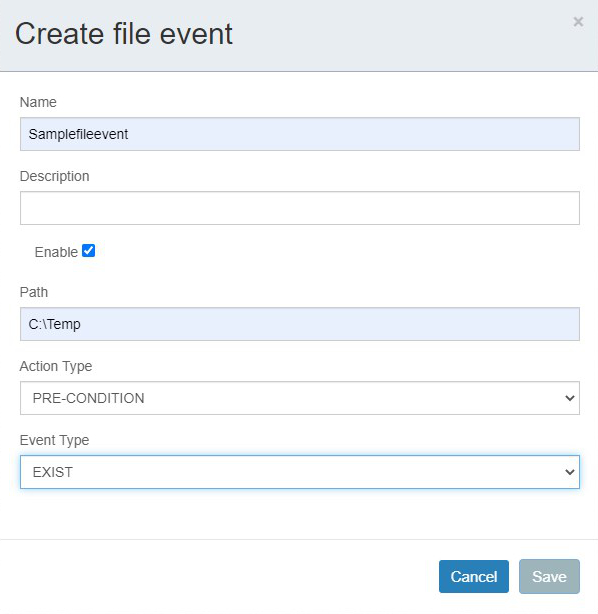
Creating a File Event
- Click the Create file event button and configure the event using the following fields:
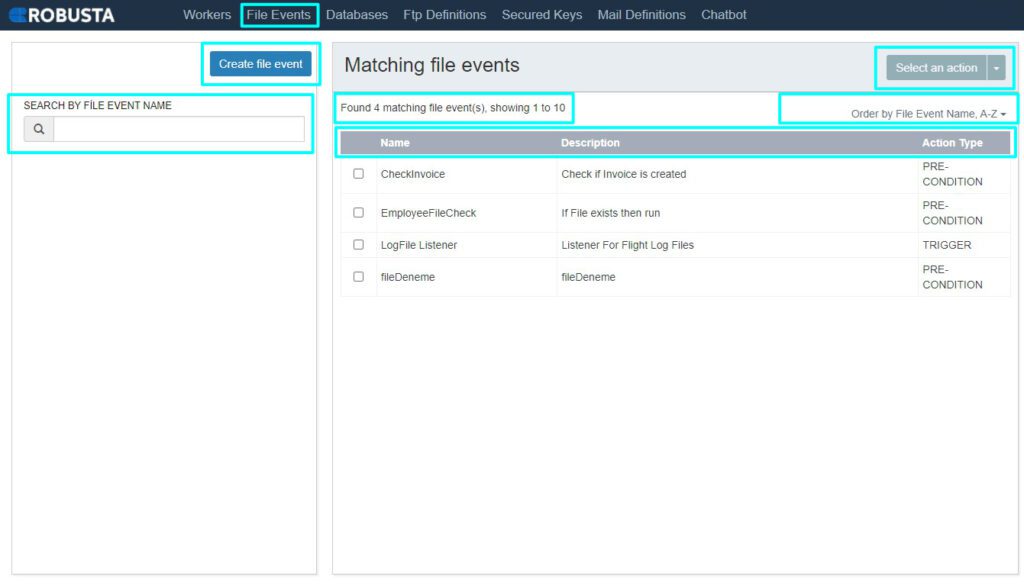
| Element | Description |
|---|---|
| Name | A unique name for the file event. |
| Description | A brief description of the file event's purpose. |
| Enable | Determines whether the file event is active and running. Selecting this option activates the event. |
| Path | The full directory path to the folder that will be monitored. |
| Filename | (Optional) The specific file name, including its extension, to be monitored. Regular expressions (REGEX) can be used (e.g., *.txt, Report_*.txt). |
| Action type | Defines the operational type of the file event: - PRE-CONDITION: A process runs only when the specified condition is met. - TRIGGER: A process runs when a described situation occurs, continuously monitoring the directory without allocating a robot. |
| Event type | Specifies the type of change the file event will listen for or the condition it will evaluate. - For TRIGGER: FILE ADDED, FILE REMOVED, FILE CHANGED. - For PRE-CONDITION: EXIST. |
| Process | The process that will be executed by the file event. This field is only available for TRIGGER action types. |
| Parameters | Configuration parameters for the file event. |
| Worker | The worker responsible for executing the process. This field is only available for TRIGGER action types. |
- Click Save to create the file event.